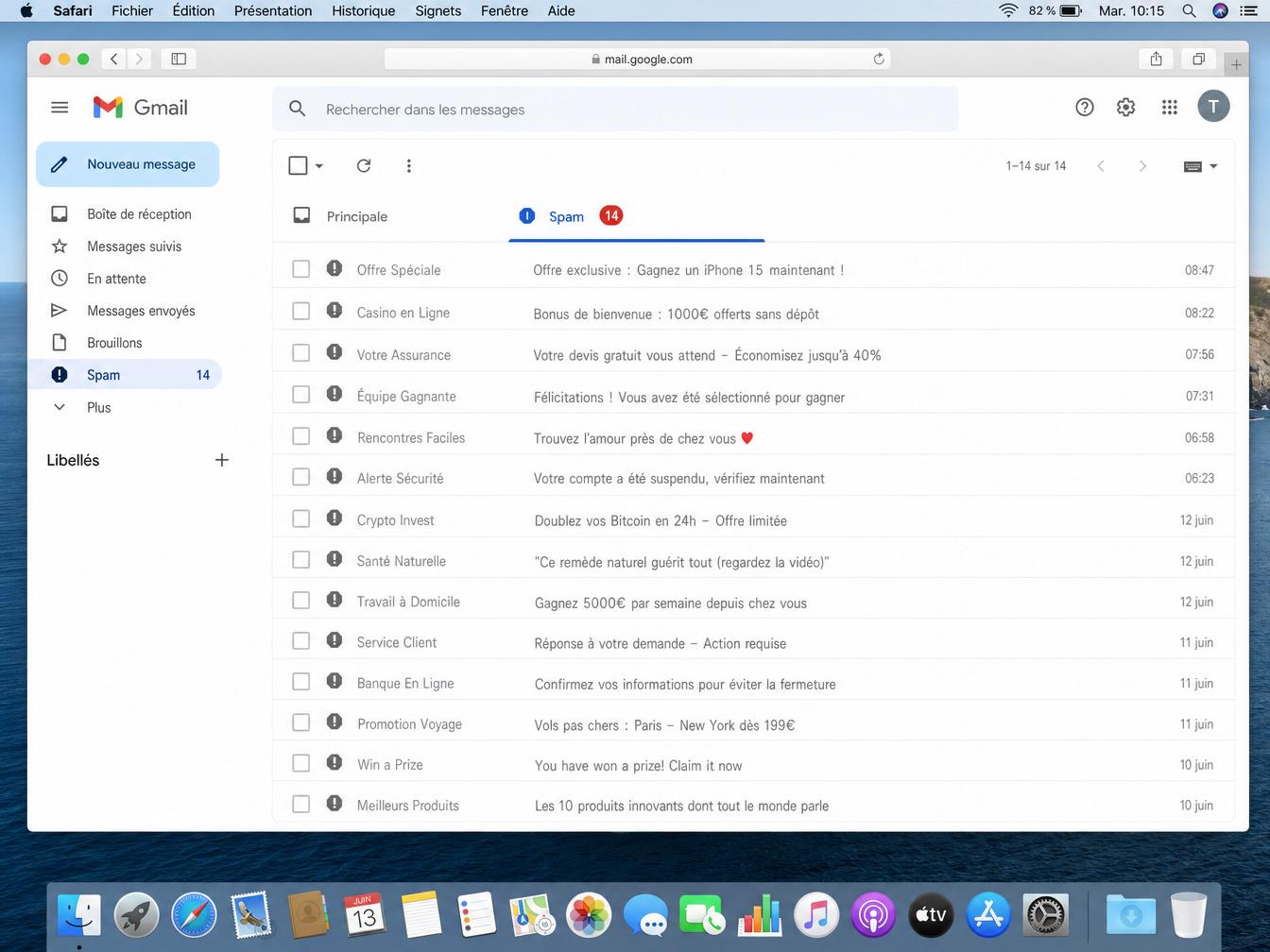


Your campaign just went out. 400,000 emails sent, delivery rate reported by your ESP: 98.2%. Three days later, your CMO opens the report: open rate has collapsed to 8% compared to 21% last month. Your ESP says everything is fine. Postmaster Tools tells a different story. That’s the gap nobody explains between delivery rate (the email didn’t bounce) and inbox placement (the email landed in the inbox, not the spam folder).
For senders sending more than 200,000 emails per month, the rules have changed. Between Q1 2024 and Q1 2025, senders exceeding 1 million monthly emails saw their inbox placement rate drop from 49.98% to 27.63%. 22 points lost in twelve months (CaptainVerify 2025 data). Over the same period, senders in the 200k–1M range gained 11 points. The difference comes down to six specific levers.
SPF, DKIM, and DMARC authentication: the non-negotiable entry ticket
Since February 2024, Gmail and Yahoo require SPF + DKIM + DMARC for any sender exceeding 5,000 messages per day to consumer accounts. Microsoft imposed the same requirements in May 2025. Without these three protocols properly configured, your emails get rejected or filtered.
The B2B Email Deliverability 2025 report (The Digital Bloom) quantifies the gap: domains with DMARC enforced reach 85 to 95% inbox placement. Domains without valid DMARC (81.8% of the 10 million most active domains) are 2.7 times less likely to land in the inbox. Only 7.6% of domains enforce a p=quarantine or p=reject policy.
The full configuration details (deployment order, DKIM key rotation, transitioning from p=none to p=reject) are covered in the guide SPF, DKIM, DMARC and BIMI: the essentials of email authentication.
Don’t confuse SPF alignment with SPF pass. An email can have a passing SPF while its Return-Path doesn’t match the From domain. DMARC alignment still fails. Check your DMARC XML reports.
Sender reputation: IP and domain, two separate scores
Your sender reputation rests on two dimensions that many senders confuse: IP reputation (tied to your sending address) and domain reputation (tied to your From domain). Gmail and Outlook weigh both separately.
Switching ESPs or migrating to a new IP does not reset domain reputation. This is a classic trap: a team thinks they’re starting fresh by changing infrastructure, but the negative signals accumulated on the domain remain visible. A clean IP won’t offset a domain whose complaint rate exceeds 0.3%.
In Postmaster Tools, three metrics to monitor continuously:
- Spam complaint rate: stay below 0.1% for best performance. Above 0.3%, Gmail starts filtering aggressively. Above 0.5%, the impact is immediate.
- Domain reputation: aim for “High”. A drop to “Medium” warrants a review of the list you sent the day before.
- IP reputation: monitor separately if you use dedicated IPs.
Reputation is calculated over a rolling 30-day window, not your full history. A clean campaign after 3 weeks of issues can recover the curve in 3 weeks. Rarely faster.
IP warmup: the required ramp before high volumes
Every new IP starts with a neutral reputation. Mailbox providers watch it closely. Those first signals set the baseline trust level, and sending 200,000 emails on day 1 from a fresh IP immediately triggers aggressive filters.
The precise week-by-week schedule is detailed in the guide email warm-up: warming a new IP or domain name. For high-volume senders: in the first few weeks, only send to recent openers from the last 30 days. Only double the volume once metrics are stable.
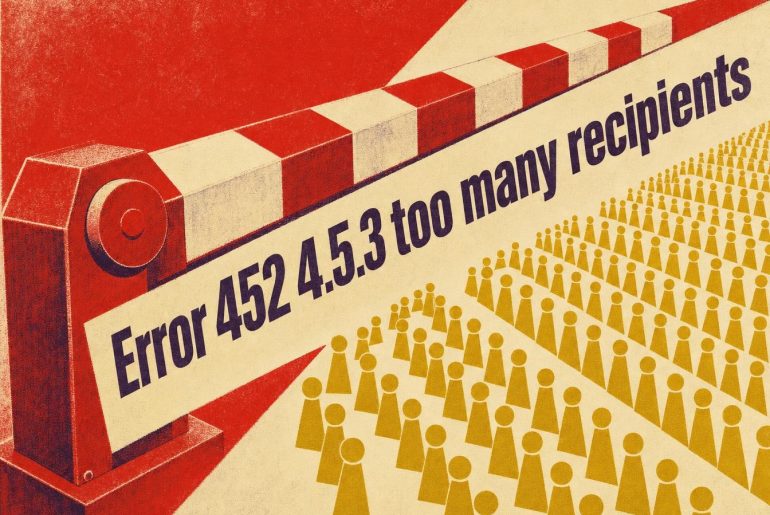
Stop signals: if the complaint rate exceeds 0.15%, if bounces climb above 2%, or if you see a surge of soft bounces like “452 Too many messages”, stop and step back to the previous sending level. Pushing volume only makes things worse.
With shared IPs (shared ESP), you don’t control the warmup. You’re exposed to the behavior of other senders on the same IP. This often explains why clean campaigns lose inbox placement without any change on your end.
List hygiene: the most underrated factor
Only 23.6% of B2B marketers verify their list before sending a campaign, according to the The Digital Bloom 2025 report. That number explains most of the inbox placement collapses that get blamed by default on “the Gmail algorithm.”
A list ages and degrades. Addresses become invalid, inboxes close, some turn into spam traps. A hard bounce rate exceeding 2% on a campaign is a strong negative signal for mailbox providers. They read it as poor data hygiene. A history of high hard bounces doesn’t recover just because you send to a clean list next month: negative signals persist beyond the rolling 30-day window.
For high volumes, four minimum actions:
- Verify addresses before every campaign, or in a monthly batch via CaptainVerify, ZeroBounce, or NeverBounce
- Remove hard bounces immediately after each send, don’t mark them as “inactive”: delete them
- Handle catchall domains separately: these domains accept all emails without validating addresses, and their real bounce rate is unpredictable until you actually send
- Quarantine contacts inactive for more than 12 months before re-engaging them through a dedicated re-activation flow at a reduced cadence
The classic objection: “Verifying emails before sending is expensive—can’t we just filter after?” Bounces and complaints cost far more in lost reputation.
List engagement: the behavioral signal filters watch
Gmail incorporates engagement signals into its filtering algorithms. An email consistently ignored by recipients (zero opens, zero clicks, never manually moved out of spam) signals that nobody wants the message. At 500,000 sends, that aggregated signal carries real weight.
ISPs measure open rates by list segment, inbox/spam moves made by users, unsubscribes, and deletions without opening. Together, these form an implicit engagement score that influences the routing of all your future sends.
In practice:
- Send first to openers from the last 90 days, monitor metrics, then expand in tiers
- Exclude 180+ day inactives from main campaigns, handle them in a separate flow at a reduced cadence
- Track placement by segment: if your recent contacts achieve solid inbox placement but older ones drag the average down, the problem is contained
Teams that segment by engagement before a mass send see their complaint rate cut by 2 to 3x and inbox placement improve by 8 to 15 points on the Microsoft/Outlook tier, which has been particularly strict in 2025.
Volume and sending frequency: managing the ramp, not just the send
The gap between 200k–1M senders (improving) and 1M+ senders (declining) between 2024 and 2025 isn’t about absolute volume. The difference is ramp management and consistent sending patterns.
Mailbox providers catch unusual spikes. A sender who typically sends 50,000 emails per day and suddenly jumps to 500,000 on a Monday morning, without warming up that additional volume, triggers filters even with solid authentication and a clean list. A few rules:
- Never multiply volume by more than 2x in a single week without monitoring intermediate metrics
- Spread sends throughout the day (throttling on the ESP side) rather than pushing everything in 2 hours
- Maintain a regular cadence: sending every week rather than once a month in high volume is better for reputation
- Watch deferrals (deferred, not rejected): a high deferral rate on Gmail or Office 365 is the early warning that filters are slowing you down before fully blocking you
These 6 factors work together. Focusing on a single lever without the others won’t stabilize inbox placement. The senders who improved in 2025 are those who managed all 6 simultaneously, with a weekly review of Postmaster Tools, not a quarterly check after an incident.
Open Postmaster Tools. Check your domain reputation and spam rate for the last 7 days before locking in the send volume for your next campaign.