Does a B2B cold email count as prospecting or as spam? It stays prospecting when the offer matches the recipient’s role, when opting out takes one click and when your sending stays under Google’s and Yahoo’s complaint thresholds. This guide follows the order of a real launch: legal basis, verified list, sending domain, warm-up, sequence, templates, measurement. Plan, as a rough guide, half a day of DNS configuration and about four weeks of ramp-up for a new mailbox. The legal section covers France (CNIL, Article L34-5 of the postal and electronic communications code). The rest applies wherever you send.
Your sending tool’s dashboard shows “delivered” as soon as the receiving server accepts the message. It does not tell you whether the message landed in the inbox or in spam. A large part of this guide exists to close that blind spot.
Cold email, B2B emailing and spam: where the line runs
A cold email is an individual message sent to a professional you have never exchanged with, about an offer tied to their role. Spam is a mass mailing with no link to the recipient.
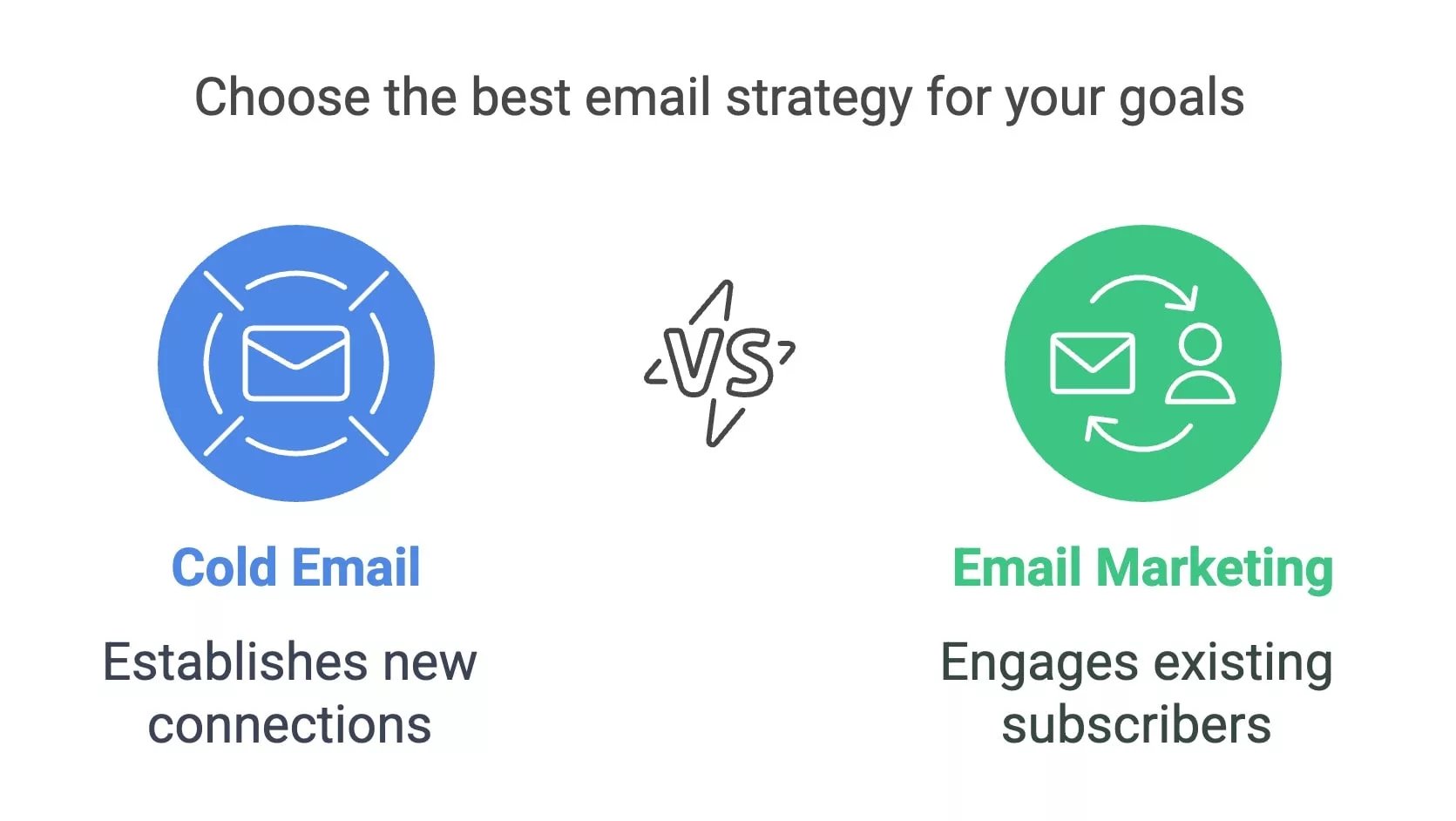
B2B emailing targets a base of contacts you already have, who receive newsletters. Cold email targets a recipient who does not know you. If you are thinking of a purchased or rented base, first read why you should never buy or rent email addresses.

Some targets are better reached by phone. The choice between cold calling and cold emailing comes before any configuration.
The legal framework for B2B cold email in France
In B2B, email prospecting in France does not require prior consent. It rests on the company’s legitimate interest and on the recipient’s right to object. The reference text is Article L34-5 of the postal and electronic communications code, supplemented by Articles 6 and 21 of the GDPR.
In its guidance updated on June 10, 2026, the CNIL recommends collecting this “B to B” right to object through a checkbox that is unticked by default. Every message must also identify the sending organization and let the recipient refuse in a simple way (CNIL guidance on commercial prospecting by email, in French, updated June 10, 2026). A named address such as firstname.lastname@company.fr is still personal data, so the person can ask for access to it, and you have one month to answer.
In practice, that gives four field rules:
- the offer relates to the recipient’s role: invoicing software for a finance director is defensible, an offer unrelated to their job is not;
- the message names the sending company and gives valid contact details;
- the recipient can refuse from within the message, through an unsubscribe link or a “stop” reply;
- every objection feeds a central suppression list, checked against each new import.
The last point causes most incidents: a contact who unsubscribed in the sending tool comes back three months later through a CRM export. Since February 2024, Yahoo also asks bulk senders to process an unsubscribe within 2 days. This section does not replace advice from your DPO or a lawyer specialized in digital law, especially if your list includes recipients outside France: each country applies its own transposition.
Building a B2B list the receiving server will accept
A good B2B list holds named addresses of decision-makers who match your ideal customer profile (ICP: industry, size, role) and that were verified before sending. A nonexistent address produces a hard bounce, and that bounce hits the sender’s reputation directly.
Start with the ICP before choosing a tool. Write on one line the target industry, for example “French SaaS publishers”, then the decision-maker’s role, for example finance director. Add a headcount band of 50 to 250 employees. Finish with the buying trigger: a hire, a funding round, a new site opening. Data enrichment (job title, company, recent news) then helps you personalize the first sentence of the message.
Verification checks the address syntax, whether the domain exists with its MX records, how the server answers for the targeted mailbox and whether the domain is catch-all. A catch-all domain accepts any address: the server replies “250 OK” even if the mailbox does not exist. Only a real send reveals the bounce. Handle these addresses separately, in small batches.
“We can filter afterwards” is the most common answer. After sending, the bounce has already happened: it sits in the receiving server’s statistics and in the non-delivery report (NDR) you receive. Code 5.1.1 (RFC 3463), often paired with SMTP 550, signals a mailbox that does not exist. Run a sample of 200 addresses from LinkedIn Sales Navigator or your CRM (HubSpot, Pipedrive) through a verifier before the first send. The batch’s hard bounce rate tells you whether the whole list can go out or needs cleaning.
Bounce rate: set your stop threshold before sending
The bounce rate is the number of rejected messages divided by the number of messages sent. Separate the two families: a hard bounce is permanent (nonexistent address, unknown domain), a soft bounce is temporary (full mailbox, unavailable server, deferral).
Google’s and Yahoo’s guidelines do not set a bounce threshold for you, so set your own before the campaign, for example 2% hard bounces on a batch of 100 messages, which is 2 bounces. Pause the mailbox concerned beyond that, and rework the list before touching the copy.
Dedicated sending domain, SPF, DKIM and DMARC
Send your cold emails from a secondary domain or a subdomain (for example go.yourbrand.com, registered with OVH, Gandi or Cloudflare), never from the domain that carries your customer emails and your website. If the prospecting domain’s reputation drops, your invoices still leave from the main domain.
The three mechanisms are standardized: SPF in RFC 7208 (April 2014), DKIM in RFC 6376 (September 2011), DMARC in RFC 7489 (March 2015). Google, Yahoo and Microsoft refer to them in their sender requirements.
The three records go in the DNS zone of the sending domain. On Cloudflare, open DNS > Records > Add record, then choose the TXT type:
- SPF: a single TXT record, for example v=spf1 include:spf.your-tool.com ~all, listing the authorized servers. It allows at most 10 DNS lookups (RFC 7208, 2014);
- DKIM: the 2048-bit public key supplied by your tool, published under the indicated selector, often as TXT or CNAME;
- DMARC: a TXT record on _dmarc.your-subdomain.com, for example v=DMARC1; p=none; rua=mailto:dmarc@your-domain.com.
Start with p=none to receive aggregate reports without blocking anything. Move to p=quarantine after a few weeks of reports with no unknown source, then to DMARC reject once all your flows are aligned. Yahoo also recommends setting the rua tag from day one and provides a Complaint Feedback Loop (CFL) to track complaints. Since February 1, 2024, Google requires SPF, DKIM and DMARC above 5,000 messages per day to Gmail accounts. Microsoft has aligned Outlook.com with these requirements: since May 5, 2025, senders of more than 5,000 messages per day must authenticate their mail with SPF, DKIM and DMARC (Microsoft Defender for Office 365 announcement, April 2025). The domain shown in “From” must also align with SPF or DKIM.
Two mistakes come up again and again. Two SPF records on the same domain cause a permanent error, and authentication fails. A DKIM selector published on the main domain while the tool signs with the subdomain makes the signature fail. First check the records with MXToolbox or dmarcian’s diagnostic tool. Then send a test message to a Gmail address or to Mail Tester (aim for a score close to 10/10 and read the details of any authentication failures rather than the score alone). In Gmail, open the three dots, then Show original. SPF, DKIM and DMARC must all show PASS.
Warm-up and sending volumes per mailbox
A warm-up gradually raises the volume of a new mailbox so that mailbox providers associate it with a positive reputation. Google advises against sudden volume spikes and asks you to watch delivery as volume grows, in particular the reported spam rate in Google Postmaster Tools.
Here is a starting ramp to adjust to your results (a working example, not a standard):
- week 1: 10 to 15 messages per mailbox per day, to verified contacts most likely to reply;
- weeks 2 and 3: add 5 to 10 messages per step as long as the complaint rate stays low and no deferral appears;
- from week 4: cap each mailbox at a fixed volume, for example 30 to 40 messages. Add mailboxes rather than volume: 5 mailboxes at 30 messages make 150 messages a day without any of them exceeding its cap.
Tools like Lemlist or Instantly automate rotation between mailboxes. Stay on a step until the previous one is stable.
Google Postmaster Tools is free. It asks you to prove ownership of the sending domain with a TXT record, then shows reputation data once the daily volume to Gmail is high enough. On a mailbox sending 30 messages a day, its charts stay empty. Only your own placement tests then tell you where mail lands: send a message from each mailbox to Gmail, Outlook and Yahoo addresses you control, then note where it ends up.
Spam complaints: Google’s and Yahoo’s thresholds
Google asks you to keep the reported spam rate in Postmaster Tools under 0.10% and to avoid reaching 0.30%. Since June 2024, above 0.30%, a sender can no longer benefit from mitigation measures (Google’s sender guidelines FAQ, 2025).
In concrete terms, 0.10% means 1 complaint per 1,000 messages delivered to the inbox. At 30 messages a day, a single complaint weighs heavily on the rate. Google still calculates it for the whole sending domain and shows nothing below a minimum volume. Yahoo also sets its ceiling at 0.3% and calculates the rate on mail delivered to the inbox (Yahoo’s sender best practices). For bulk senders, both providers expect a visible unsubscribe link and, on Google’s side, one-click unsubscribe on promotional messages (List-Unsubscribe-Post header, RFC 8058, 2017) since June 2024.
A recipient who wants out will click “Report spam” in Gmail if the exit link is hard to find.
Follow-up sequence and cadence
An effective sequence has 3 to 4 messages spread over two weeks, with something new in each follow-up. First message on day 0, follow-up on day 3, second follow-up on day 7, break-up message on day 14.
Each follow-up brings something the first message did not: a similar customer case, a closed question, a useful resource. Resending the same text with “Just following up” adds nothing and fuels reports. A sequence of 4 messages over 14 days is enough. Stop it at the first reply, at the slightest objection and at the first bounce. Instantly’s 2026 report recommends 4 to 7 messages per sequence and a first message under 80 words. Send in the recipient’s time zone, then test your own time slots.
If follow-ups stay ineffective, the problem often lies in the offer or the infrastructure rather than in the number of follow-ups. The detailed diagnosis is in why cold email sequences convert less.
Six B2B cold email templates
Each template is under 60 words, with a single question at the end. The first four form the 14-day sequence. The subject line follows the principles of catchy email subject lines: short, factual, no promise. For the fine detail of the message body, see the guide on writing a B2B prospecting email.
First contact
The hook rests on an observed fact, which proves the message is not going out to 500 people.
Subject: {{Trigger}} at {{Company}}
Hello {{First name}}
We saw that {{Company}} {{observed trigger}}. We help {{type of company}} to {{specific result}}. Are you the right person to talk to?
{{Full signature with company}}
Follow-up on day 3
A new element replaces the “did you see my message”.
Subject: Re: {{Trigger}} at {{Company}}
Hello {{First name}}
A similar case: {{similar customer}} achieved {{result}} in {{timeframe}}. Would a 15-minute call this week suit you?
Follow-up on day 7
The closed question lowers the effort needed to reply.
Subject: Re: {{Trigger}} at {{Company}}
Hello {{First name}}
Is {{topic}} handled by you or by {{other role}} at {{Company}}?
Break-up message
It closes the sequence and leaves a door open without pressure.
Subject: Last message about {{topic}}
Hello {{First name}}
We have not heard back, so we are closing the subject here. If {{problem}} becomes a priority, just reply “later” and we will come back on the date you choose.
Referral request
It replaces the contact for whom the offer makes no sense and routes the message to the right role.
Subject: Who handles {{topic}} at {{Company}}?
Hello {{First name}}
We are looking for the person who manages {{topic}} at {{Company}}. Could you point us to them?
Reply to an objection
It confirms the removal and closes the door cleanly, which avoids a spam report.
Subject: Re: {{Original subject}}
Hello {{First name}}
Your address has been removed from our mailings. You will not receive any more messages from us.
Common mistakes to fix before the first send
The costliest mistakes sit outside the text of the message.
- Sending from the main domain: a reputation drop then hits your customer emails too. Create a dedicated subdomain.
- Buying a list: the addresses are outdated and often have no documented legal basis. They generate hard bounces from the first batch. Build the list yourself, by ICP.
- Launching 200 messages per mailbox on day one: a new domain with no history has no reputation to lose or to rely on. Ramp up in steps.
- Ignoring catch-all domains: they pass the syntax check and bounce later. Isolate them in a test batch.
- Forgetting the suppression list: an unsubscribed contact re-imported from the CRM is a guaranteed report.
- Steering by open rate: Apple’s Mail Privacy Protection triggers opens without reading. Track replies and bounces.
Measuring results
To place your results, Instantly’s 2026 report (sends from January 1 to December 18, 2025) gives an average reply rate of 3.43% per recipient. It also finds that 58% of replies come from the first message of a sequence. Other studies count per message sent and show much lower rates, so always compare the calculation method before comparing the figures.
Four indicators are enough. Bounces and complaints protect reputation. Replies and meetings booked measure the offer. The reply rate is calculated on delivered messages: 12 replies on 300 sent with 20 bounces gives 12 out of 280, or 4.3%. On sent messages, bounces inflate the denominator and hide an offer that works.
For an A/B test, change only the subject line or the first sentence. Then compare two batches of equal size, drawn at random from the same list. With 100 recipients per version, a gap of two or three replies is down to chance, so wait for several batches before deciding. Log each test in your CRM with its date and the version sent.
Record the bounce rate for every batch. Read the complaint rate every week in Google Postmaster Tools, under Spam rate, and cross-check it with Yahoo’s CFL. Separate positive replies from refusals and from Outlook or Gmail auto-replies. For each reply, tell human answers from automatic ones. Then note the respondent’s role: a run of “that’s not me” replies points to a badly chosen target. A low reply rate with controlled bounces points to the offer or the target. A low reply rate with high bounces points to the list, and therefore to the verification that comes before sending.