
A 550 5.4.1 bounce at a Microsoft 365 customer, while SPF/DKIM/DMARC authentication shows PASS. The rejection has nothing to do with authentication. The 550 5.4.1 code means the recipient’s address…

Your emails go out, but how many actually land in the primary inbox? Deliverability is decided before the click, on technical and list-hygiene levers that most brands underestimate. Our articles and the full guide at the bottom of this page break them down, one by one.
A 550 5.4.1 bounce at a Microsoft 365 customer, while SPF/DKIM/DMARC authentication shows PASS. The rejection has nothing to do with authentication. The 550 5.4.1 code means the recipient’s address…
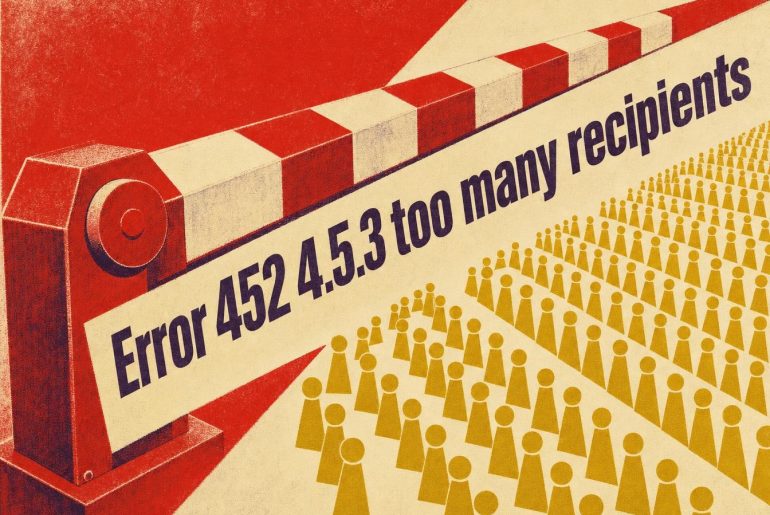
Your campaign goes out, part of the recipient list stays in the queue, and the log shows “452 4.5.3 Your message has too many recipients” while your emailing tool reports…

A Gmail address with an almost empty inbox can return a mailbox full on every send. The whole Google account is saturated: emails share their storage with Drive and Photos.…
Teams turn on a dedicated IP as soon as budget allows, on the assumption that an address tied to the brand earns more trust from mailbox providers. Below a specific…

Hours after a send, a handful of recipients click “junk mail.” That action doesn’t stay in their inbox: mailbox providers forward it to the sender enrolled in the right program.…

In email marketing, we know that a message that doesn’t reach the recipient’s inbox loses its value, regardless of its content or design. This is where the Postmaster comes into…

Online phishing, which aims to steal the confidential information of an individual through emails or false web pages, is a real scourge. It is a common tactic that it is…

Today, a large majority of visits to websites are made via smartphone, and the same goes for the consultation of emails. An observation that allows us to understand why it…

At what bounce rate does an emailing platform actually stop sending a campaign? The acceptable bounce rate doesn’t fit into the 2% figure that circulates on every blog: it changes…

200 leads captured last week, only 40 qualified sales meetings to show for it. The answer rarely comes down to a missing tool. The B2B lead generation chain now spans…

Occasionally appearing in our inboxes or contact lists, the domain ymail.com often intrigues. Many question its validity or fear fraud, as this suffix is much less common than the traditional…

The sender reputation is the key in email marketing warfare. You may have impeccable content and irresistible offers, but it won’t matter much if your messages never reach your recipients’…
Yet the contact list hasn’t changed in six months, and the bounce rate keeps climbing anyway. Plenty of email marketers have been living this scenario since late 2025: deliverability drops…
The management of unwanted emails is a headache for many. Gmail, known for its innovations in email management, seems to be preparing a new feature called Shielded Email. This innovation…

The thresholds have been public since February 2024: Gmail’s sender guidelines set a hard requirement at 0.3% spam complaints, and most platforms consider a hard bounce rate above 2% per…
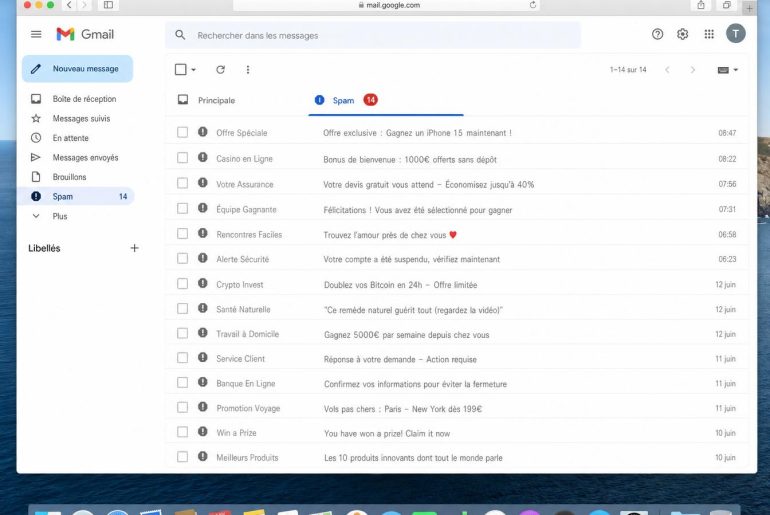
Your campaign just went out. 400,000 emails sent, delivery rate reported by your ESP: 98.2%. Three days later, your CMO opens the report: open rate has collapsed to 8% compared…

After several months without sending, your list is no longer the same. Addresses become invalid, ISPs recycle abandoned mailboxes into spam traps, and subscribers no longer recognize you. Resuming sends…
Today, we are talking about magic links. Nothing truly magical in the literal sense, but a method of authentication that is increasingly popular. It’s undeniable that this type of link,…

In 2025, 40% of emails never reached a visible inbox, according to tests conducted on millions of sends by the Unspam platform (January 2026). Among the causes: blocklists, these databases…

Your email never arrived. The server responded with 554 5.0.0, and that was it. No explanation. Just a permanent bounce. The real problem with this error: it’s intentionally vague. It…

You chose your email service because it was the one at the office. Or because the IT Director decided it ten years ago. But have you considered the real cost…
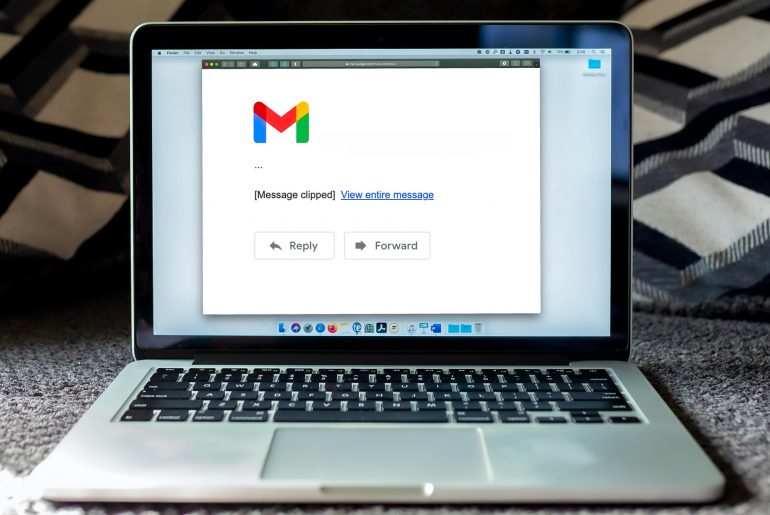
Wondering why Gmail sometimes truncates your email messages, thus hiding the content with a “Message Clipped” and “View entire message”? An unpleasant technique that prevents recipients from seeing the entire…

Between 20% and 50% of an email database’s contacts are inactive at any given time. These addresses don’t just weigh down your statistics: they actively harm your sender reputation. Since…

A bounce is a bit like a package returned to the sender: the message did not reach its recipient for some reason. However, where a simple address error can be…
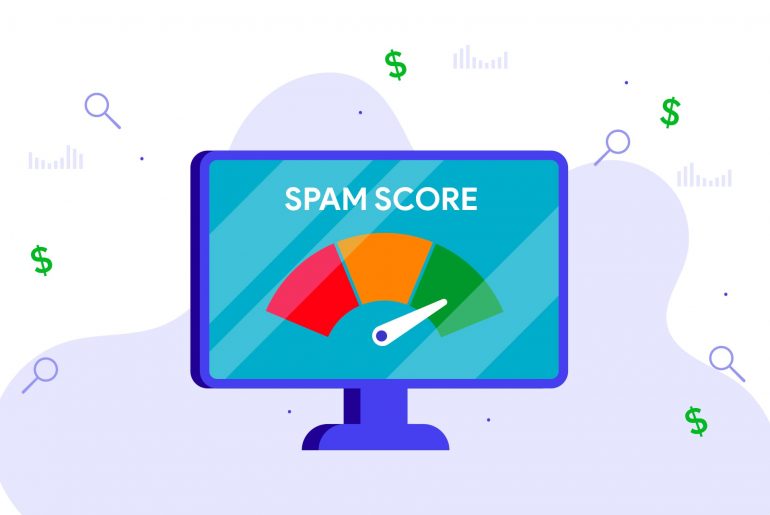
Because deliverability is essential in an emailing marketing campaign, it is essential to use all the tools and techniques available to you to make your emails arrive well in the…

It is well known that a company’s reputation is crucial. But what about its online reputation, or more specifically, its reputation as an email sender? If a significant part of…

Before landing in the inbox, an email goes through several treatments that will make it possible to define if it is legitimate or not. Among these steps and processes, we…
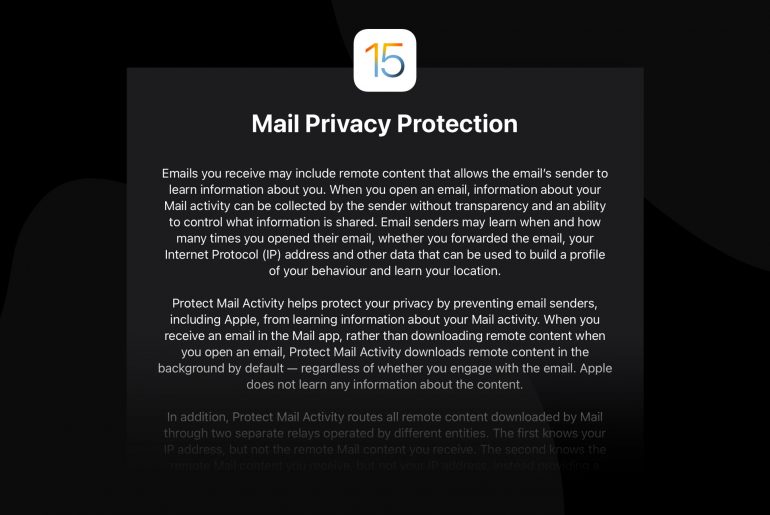
With the arrival of the iOS 15 update in September 2021, Apple once again proved its desire to prioritize the confidentiality of the data of its users. The brand has…
Your Sender Score says 92 and Gmail still files your campaigns under spam: which one do you trust? Gmail. Sender reputation (also called email reputation) is the credit each mailbox…
Gmail returns the same full mailbox under two opposite codes: a temporary 452 4.2.2, and a permanent 552 5.2.2 when the account is also inactive (Google Workspace documentation, checked in…

Once is not customary, we speak to you here about email deliverability! A little-known but powerful tool to optimize this deliverability is Microsoft Smart Network Data Services (SNDS). If you…

In an emailing campaign, it often happens that the sent messages come back to their recipient. A case little appreciated by the experts of emailing. Our question of the day…

A true bridge between what the client expects and what the company delivers, the POC orchestrates exchanges, maintains consistency in communication, and saves everyone valuable time. Let’s discover together who…

Although the omnivore system set up by MailChimp is reliable and effective, however, the matrix is mistaken by signaling legitimate accounts as being suspicious. You are explained here how to…
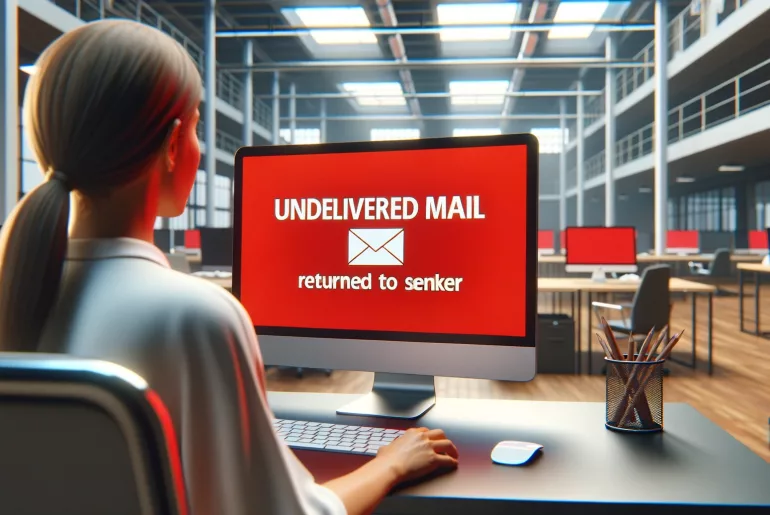
We’ve all received at some point in our inbox a message indicating that the email we just sent couldn’t actually be delivered. Well, this is a bounce email. Not appreciated…
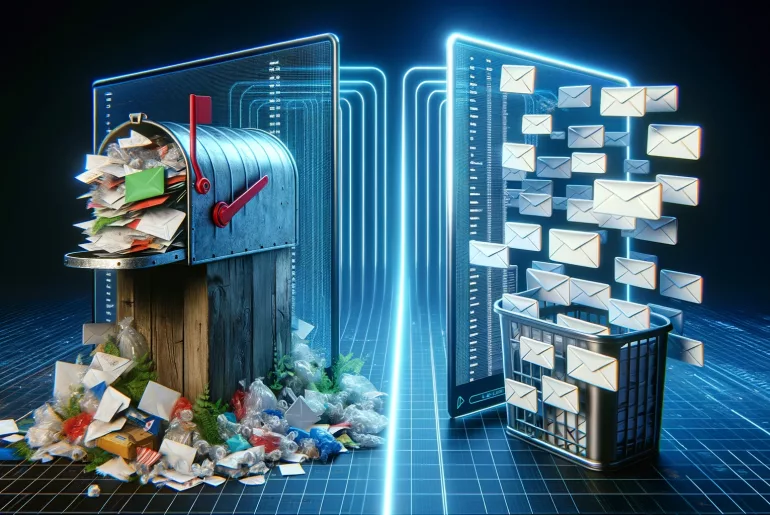
What is a disposable email? A disposable email is a temporary address that self-destructs after a few minutes or hours. You use it to sign up to a service without…

With the growing number of emails received daily, cybercriminals are got in heart and it is not always easy to discern the legitimate letters of those who are not. Yet…

The Gmail Promotions tab is often seen as a hurdle to visibility by marketers. However, this classification is not inherently negative and follows a precise logic, allowing it to be…

Given the vast number of messaging services available today, one might wonder what a solution like Mail.com is truly worth. How credible is it really? What can be expected in…

Email was not born in an ivory tower. It emerged from drafts, trials, errors, and above all, curious enthusiasts seeking instant connection. Understanding this journey is to grasp how a…

Mastering the use of email aliases is no longer reserved for a circle of digital insiders. Today, this essential feature is becoming indispensable for effectively organizing one’s inbox, limiting the…

Today, cyberattacks are becoming more and more frequent. Not a week goes by without hearing in the news about a website or an application that has fallen victim to a…
Spam traps are used to monitor, identify and block spammers. A very convenient system for recipients, but can cause serious damage to companies using sending emails in their marketing strategy.…

The announcement hits hard. The Spanish messaging service of Orange, with its seventeen domains such as orange.es or wanadoo.es, will permanently close on September 5, 2025. Thousands of users could…

The topic of sending an anonymous email raises many questions and concerns. As electronic communication is now ubiquitous in both personal and professional communications, the issue of anonymity in emails…

Today, when we go on the internet or that we consult his mailbox, it is almost impossible to miss the spam. Waste time and resources, even sometimes dangerous scam, it…

Email has become an essential part of our daily lives and professional activities. There are two main methods for managing your emails: webmails and email software. Understanding the distinctions between…

The proliferation of spam and irrelevant emails represents a daily challenge. Google, through its Gmail service, continues to innovate by employing the most advanced technologies to offer an unparalleled user…
Imagine launching a meticulously prepared emailing campaign, only to realize that your emails never reach their destination. The reason? Your domain or IP address has been placed on a blocklist.…
Can you really unsend an email? Yes, but only during a short window after clicking Send. This feature does not recall an email already received: it simply holds the email…
You already know it, although very powerful, emailing is not without risks. Among the scourges faced by professionals, today we will talk about spoofing. This fraud technique, although discreet, can…
Since February 2024, Google and Yahoo have required senders of more than 5,000 daily messages to keep their complaint rate under 0.3%, or face outright rejection of their campaigns. Email deliverability refers to a message's ability to reach the recipient's primary inbox, not just a server that technically accepts the message. The fastest lever to pull remains list hygiene: a list verified before each campaign limits the hard bounces that can tank a sender's reputation in just a few days.
Your campaigns end up in the spam folder even though nothing changed in your email tool's settings, and the dashboard still shows everything green. This mismatch rarely comes from the sending platform itself. It plays out in domain authentication, IP reputation, and list cleanliness, the three areas this guide covers below. Nine mistakes come up most often in deliverability best practice audits, including missing authentication and a list that's never been verified. See the details in the most common deliverability mistakes.
Technical authentication determines whether a message even gets to the content analysis stage of spam filters. SPF authorizes specific servers to send on behalf of the domain, DKIM signs each message with a cryptographic key, and DMARC tells mailbox providers what to do with a message that fails both checks. Since 2024, Google and Yahoo have required at least a p=none DMARC policy for any high-volume sender, with a recommendation to move to p=quarantine and then p=reject once aggregate reports have been analyzed. The BIMI protocol adds the brand logo to the inbox, but it's reserved for domains already authenticated under a strict DMARC policy. Configuring these DNS records correctly, and understanding the purpose of a Return-Path separate from the From field, prevents outright rejection before the filter even evaluates the message content. See how to customize the sender's DNS and the exact role of the Return-Path.
Every sending domain and IP carries a reputation score calculated by mailbox providers based on the history of previous sends. This score drops quickly after a spike in hard bounces, a high complaint rate, or a shared IP used by unreliable senders, and it only recovers slowly, often over several weeks. Google Postmaster Tools is the go-to tool for tracking this score on the Gmail side: it shows domain reputation, IP error rate, and complaint rate, to be compared against the 0.1% threshold Google recommends for high-volume senders.
The spam complaint threshold Google recommends for high-volume senders remains 0.1%, well below the 0.3% rejection threshold set in February 2024 for any send of more than 5,000 daily messages to Gmail addresses.
The table below summarizes the most commonly used Sender Score ranges and the action to take for each one.
| Score Range | How Mailbox Providers Read It | Action to Take |
|---|---|---|
| 80–100 | Trusted sender, primary inbox placement favored | Maintain current sending cadence and list quality |
| 60–80 | Watch zone, filtering varies by mailbox provider | Audit complaints and sending frequency |
| 30–60 | High risk of being marked as spam | Clean the list and cut volume before the next campaign |
| 0–30 | Possible blocking before delivery | Switch sending IP or domain and restart with a gradual IP warming |
These ranges aren't a legal standard, just a benchmark shared by most mailbox providers; some providers, particularly in the North American market, apply slightly different thresholds based on their own internal models. See how to monitor your Sender Score, how to set up Google Postmaster Tools, and how to fix a damaged sender reputation.
Most deliverability guides cover authentication and reputation in detail but rarely devote more than a paragraph to list quality itself, even though it's the only piece that gets fixed before sending rather than after. A hard bounce flags an address that no longer exists: the receiving server rejects that specific message immediately and permanently. Once hard bounces exceed 2% of the volume sent, they start to damage sender reputation; above 5%, anti-spam systems trigger automatic alerts.
Spam traps make the problem worse: these are addresses deliberately recycled or created by mailbox providers to identify senders who don't maintain their list, and hitting just one can be enough to tank a reputation score that had been stable for months. Verifying the list changes the nature of the problem. It turns emergency repair into measurable upfront prevention, rather than discovering hard bounces after the campaign has already gone out. That's what CaptainVerify does: test every address before sending and strip spam traps and dead addresses, hard bounces included, from the list before they ever reach the recipient's server. Before ramping up volume for an upcoming campaign, running a verification test on a sample of the list is enough to quantify the real risk instead of discovering it in production.
See how to clean an email list, why you should validate your emails before sending, what to do with inactive contacts, and how to spot spam traps.
Every bounce returns an SMTP code specifying the reason for rejection, from 550 5.1.1 for a nonexistent address to 421 for a temporarily unavailable server. Confusing a soft bounce (a temporary rejection caused by a full inbox or an overloaded server) with a hard bounce, a permanent rejection, leaves dead addresses circulating in the list for months. Retrying a soft bounce after a few hours makes sense; retrying a hard bounce doesn't, and it just inflates the rejection rate of the next campaign.
For transactional flows, the logic shifts again: an order confirmation or password reset email needs to get through even when marketing volume slows down or reputation takes a hit, which often calls for a dedicated IP or subdomain. See how to handle bounces, why SMTP rejections rise or fall, the causes of undelivered emails, and deliverability specific to transactional emails.
Once the message is delivered, the next challenge is landing in the primary inbox rather than Gmail's promotions tab. This classification depends mainly on content and on how recipients behaved with previous sends; technical authentication alone isn't enough to guarantee primary inbox placement. Open and click rates factor into this classification, as does the domain's overall reputation.
Since June 2024, the one-click unsubscribe link carried by the List-Unsubscribe header has become mandatory for any commercial or promotional send to Google and Yahoo: its absence now risks outright message rejection, not just a vague drop in engagement. See inbox placement at high volume, how to set up the List-Unsubscribe header, and why emails land in the promotions tab.
An IP or domain blacklisted by a blocklist like Spamhaus has some of its sends silently rejected, with no notification to the sender, which makes the problem hard to diagnose without dedicated monitoring. The most common causes are usually a spike in complaints, an unverified list sent all at once, or a shared IP compromised by another sender in the same pool. The delisting process varies from one blocklist to another: some automate removal after a few days without repeat offenses, others require a form and a written justification.
See which blocklists to monitor or ignore and how to get an IP or domain delisted.
Above 95% of messages reaching a receiving server without bouncing, the deliverability rate is considered healthy by most ESPs. This figure says nothing about primary inbox placement: a successfully delivered email can still land in spam or promotions.
Open rate reflects recipient engagement, a signal mailbox providers watch but one that doesn't decide a message's classification on its own. Sender reputation and domain authentication carry more weight.
It depends on the blocklist involved and the cause of the block: a few hours for automatic removal once the issue is fixed, several weeks when domain reputation needs to be rebuilt through a gradual sending ramp-up.
A list whose origin you don't fully control almost always contains outdated addresses or spam traps. Verifying it before the first send limits the risk of immediately damaging the reputation of a new domain or an already well-established one.
For precise definitions of every technical term mentioned in this guide, see the email deliverability glossary.