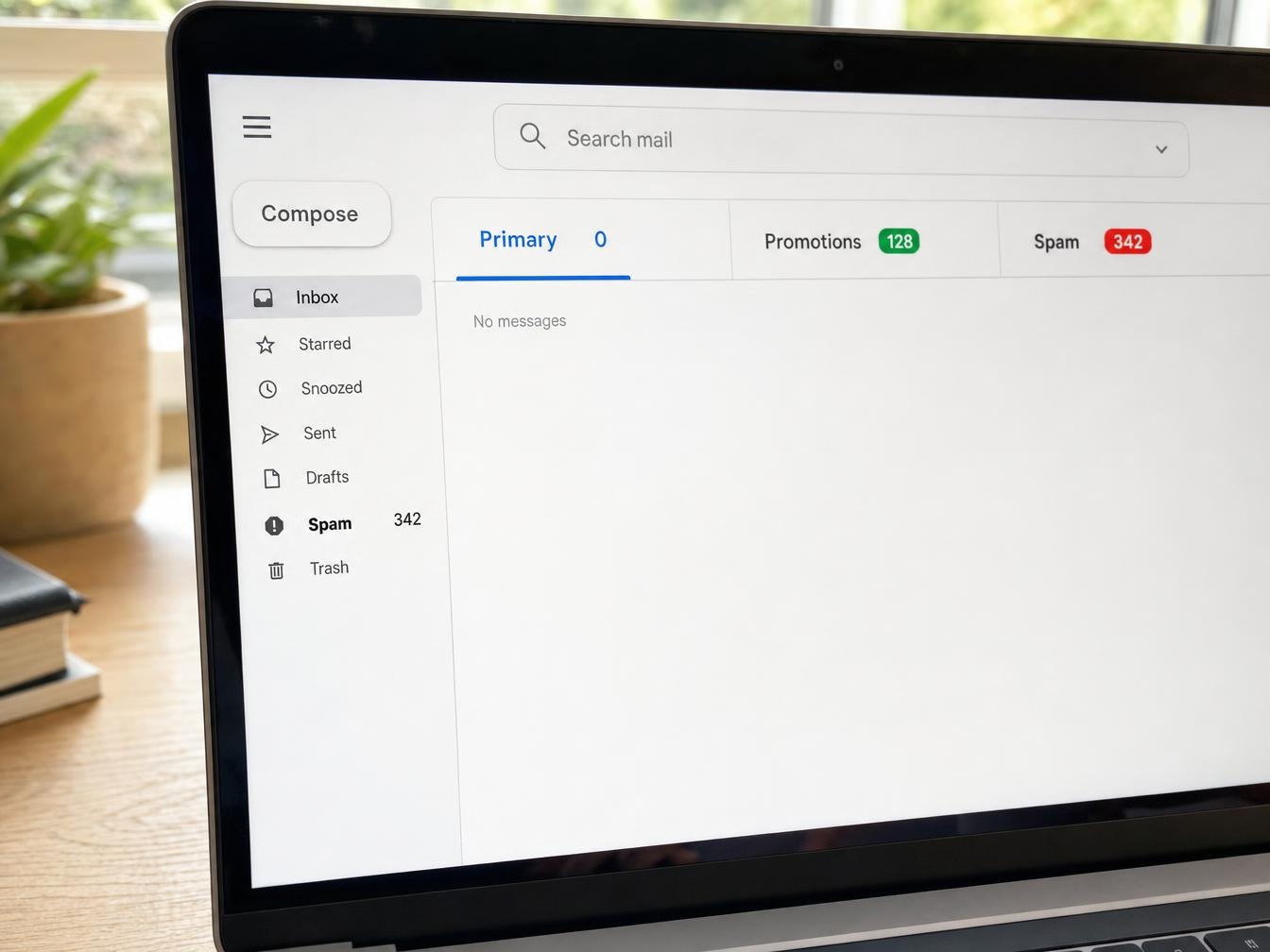


A message can be accepted by Gmail’s server with a 250 code (RFC 5321) and still land in the spam folder without a single warning light turning red in your emailing tool. Deliverability measures the share of messages the receiving server accepts; inbox placement measures the share of those accepted messages that reach the main inbox. The first number stops at the door; the second checks which room the message ends up in.
What does each term measure?
The deliverability rate is calculated like this: messages accepted by the receiving server / messages sent × 100. Acceptance is decided during the SMTP conversation: a 250 code means the server takes charge of the message (RFC 5321), a 5xx code such as 550 5.1.1 (nonexistent mailbox, RFC 3463) refuses it and generates a hard bounce, and a 4xx code such as 421 or 450 pushes it back and produces a soft bounce or a deferral (deferral). A 250 code received at the end of the data transfer is a formal handover of responsibility: the server must deliver the message or report the failure (RFC 5321, section 2.1).
Inbox placement comes after acceptance: the mailbox provider files the message in the main inbox or in the spam folder. At Gmail, a message sorted into the Promotions tab stays in the inbox but outside the Primary tab that the recipient opens first, so a placement test counts it separately. No SMTP code tells the sender about this decision. The rate is: messages that reached the inbox / messages accepted × 100. Out of 10,000 sends that were all accepted, with 8,500 filed in the inbox, deliverability can show 100% and placement 85%. Since February 2024, Gmail and Yahoo Mail require authentication from bulk senders; the rest depends on the sender reputation of the domain and the IP, which is fed by how previous recipients behaved and by the content.
The gap between acceptance and filing
A typical case: among the email marketing KPIs in the campaign report, deliverability sits near the maximum while opens fall from one quarter to the next. Gmail and Outlook.com servers answered 250 to almost everything, and the emailing tool counts every message as an email truly delivered.
Catch-all domains dig the same hole on the recipient side: the server answers 250 to any address on the domain, invented ones included, so acceptance doesn’t even prove that a person reads the mailbox.
What each metric leaves in the dark
| Criterion | Deliverability | Inbox placement |
|---|---|---|
| Question asked | Did the server accept the message? | Which folder was the message filed in? |
| When it is measured | During the SMTP conversation (codes 250, 421, 550) | After acceptance, when the provider sorts the message |
| Where the data is read | Sending logs and campaign report | Seed list, Google Postmaster Tools |
| Typical causes of a drop | Hard bounces on invalid addresses, IP blocking | Rising complaints, low engagement, fragile authentication, domain reputation |
| Blind spot | Ignores the destination folder | Only measures the sample tested |
Why a clean Postmaster Tools doesn’t prove inbox placement
Google Postmaster Tools is the only official window into Gmail’s view. Its “Spam Rate” dashboard counts messages that have already reached the inbox of an engaged recipient and were then manually reported as spam: a low rate says nothing about the messages Gmail filed elsewhere. It only covers messages from a domain authenticated with DKIM. If Gmail itself sends a large share of messages to spam, the displayed rate can look low, since recipients see fewer messages in their inbox.
A sender whose spam rate stays under the 0.10% threshold that Google recommends not exceeding can conclude that everything is fine, even though a large share of their sends is never shown to anyone. The 0.30% threshold, beyond which bulk senders lose access to Gmail’s mitigation measures, only triggers if messages are seen first.
Another limit: the data is not real time (usually updated within 24 hours), and the dashboard can omit data on low-volume days.
What each provider’s figure covers
Each provider publishes a different rule: Gmail and Yahoo Mail a spam rate ceiling, Outlook.com an authentication requirement whose penalty is the Junk folder.
| Provider | What is published | What it covers | Requirements for bulk senders |
|---|---|---|---|
| Gmail | Spam rate under 0.10%, never 0.30% or more | Messages that reached the inbox | SPF, DKIM and DMARC above 5,000 messages per day (February 1, 2024) |
| Yahoo Mail | Spam rate under 0.3% | Messages delivered to the inbox | SPF and DKIM, valid DMARC at p=none minimum |
| Outlook.com | SPF, DKIM and DMARC compliance | Domains above 5,000 messages per day, penalty: Junk folder, then rejection with 550 5.7.515, announced without a date | SPF, DKIM and DMARC (p=none minimum) since May 5, 2025 |
How do you measure placement?
Two methods complement each other. Seed testing consists of sending the campaign to a list of test mailboxes (seed list) hosted at Gmail, Outlook.com and Yahoo Mail, then recording the destination folder for each one. The providers’ own tools give the second view.
On the Outlook.com side, SNDS (Smart Network Data Services) provides per-IP data on sending reputation, along with the JMRP (Junk Mail Reporting Program), a feedback loop (feedback loop) that passes the sender the messages their recipients report as junk.
Google Postmaster Tools provides the real Gmail-side view, with the “Spam Rate” dashboard and the “Compliance status” view, which shows whether the sender follows Google’s rules (authentication, TLS, one-click unsubscribe per RFC 8058, required since June 1, 2024, spam rate); the old domain and IP reputation screens have been removed from it.
These measurements have a limit. Test mailboxes created for a test have no engagement history with your brand, so a provider may treat them differently from a subscriber who has been opening your messages for 24 months. A seed list result reads as an alert; the exact inbox rate of your database remains out of reach.
None of these providers publishes a placement rate to hit: Gmail and Yahoo Mail set complaint ceilings, Outlook.com sets authentication rules. The benchmark is therefore your own history, test after test, on the same seed list: a drop in placement at one specific provider points to a reputation or authentication problem with that provider.
Upstream, CaptainVerify’s Mail Tester checks the syntax and MX records of the domain before reading the catch-all status and the SMTP server’s response, which prevents hard bounces before they damage your reputation. It doesn’t see the destination folder.
Filtering after sending: why it isn’t enough
Cleaning after sending comes too late: a hard bounce like 550 5.1.1 has already happened by the time you read it in your logs, since the Gmail or Outlook.com server has already seen a send to a nonexistent address. The objection still comes up often: verifying addresses before sending adds a step when you could clean up bounces afterward. A high hard bounce rate damages the sender’s reputation according to industry practice (Gmail publishes no bounce threshold); that reputation shapes how your following campaigns are filed.
Verifying the list before sending removes invalid addresses before they produce a bounce. Authentication and a steady sending pace complete the work, along with the other inbox placement best practices. Before your next campaign, run a sample of 500 addresses from your list through the tester and compare the number of invalid addresses with your usual hard bounce rate.